


Scopus AI
Scopus AI
AI-Powered Search
Scopus AI
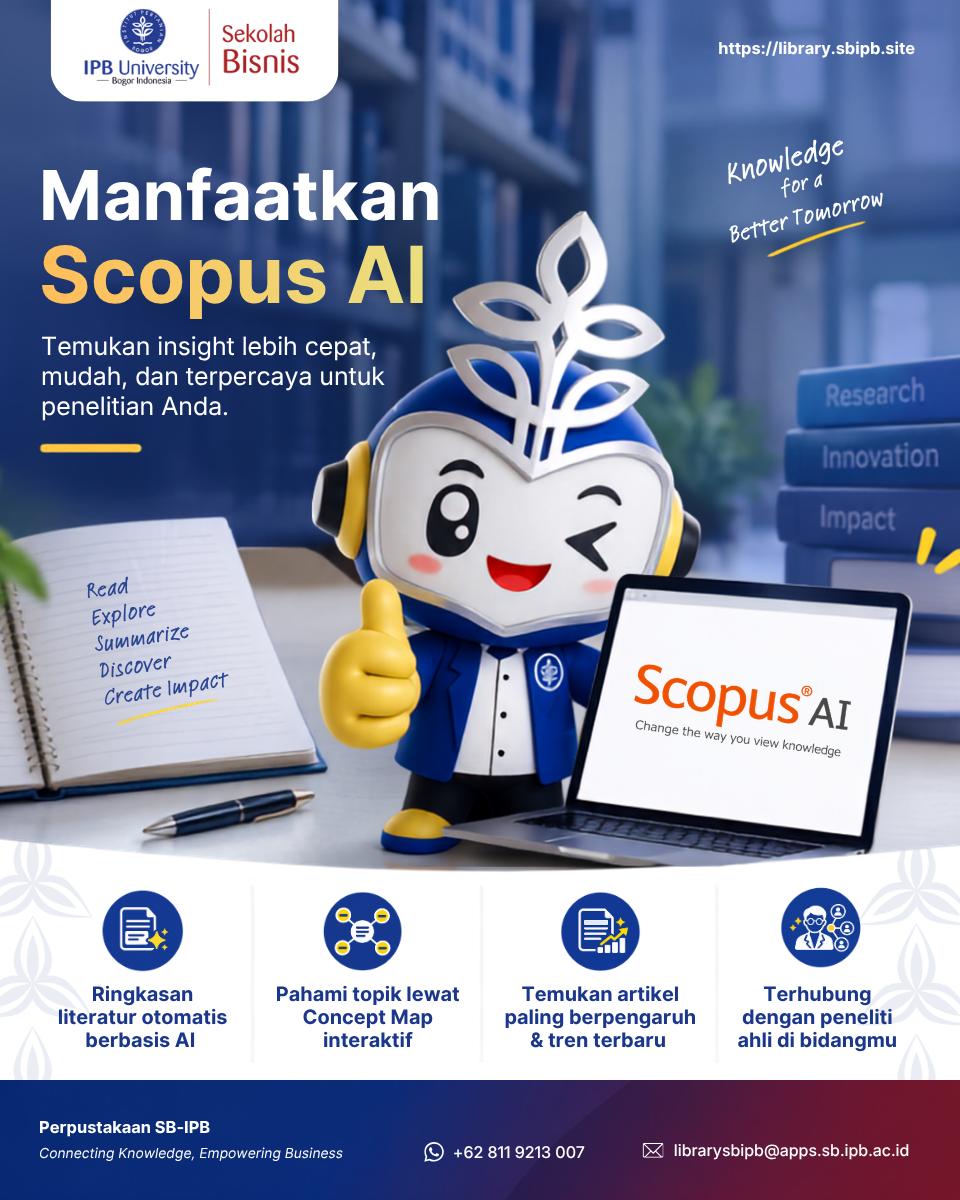
Scopus AI is a Scopus search feature powered by generative AI. Instead of entering keywords, you ask a question in everyday language, and the system summarizes findings from the abstracts of Scopus documents published from 2013 onward. You can open it from the Scopus AI tab on the Scopus home page.
One question gives you seven features:
1
Summary
A brief overview drawn from up to 10 documents.
2
References
A numbered list of sources, linked to their abstracts and document pages.
3
Foundational documents
The most influential papers on the topic, ranked by citation count.
4
Expanded summary
A longer version of the summary, organized by subtopic.
5
Concept map
A visual map of how concepts relate, downloadable as a PNG file.
6
Topic experts
Leading authors on the topic, with their metrics and related documents.
7
Go deeper
Three clickable follow-up questions to explore the topic further.
Tutorial
User Guide
Introduction to Scopus AI — a guide to using Scopus AI.
Can’t view the file above? Open it using the button below.